
|
Getting your Trinity Audio player ready...
|
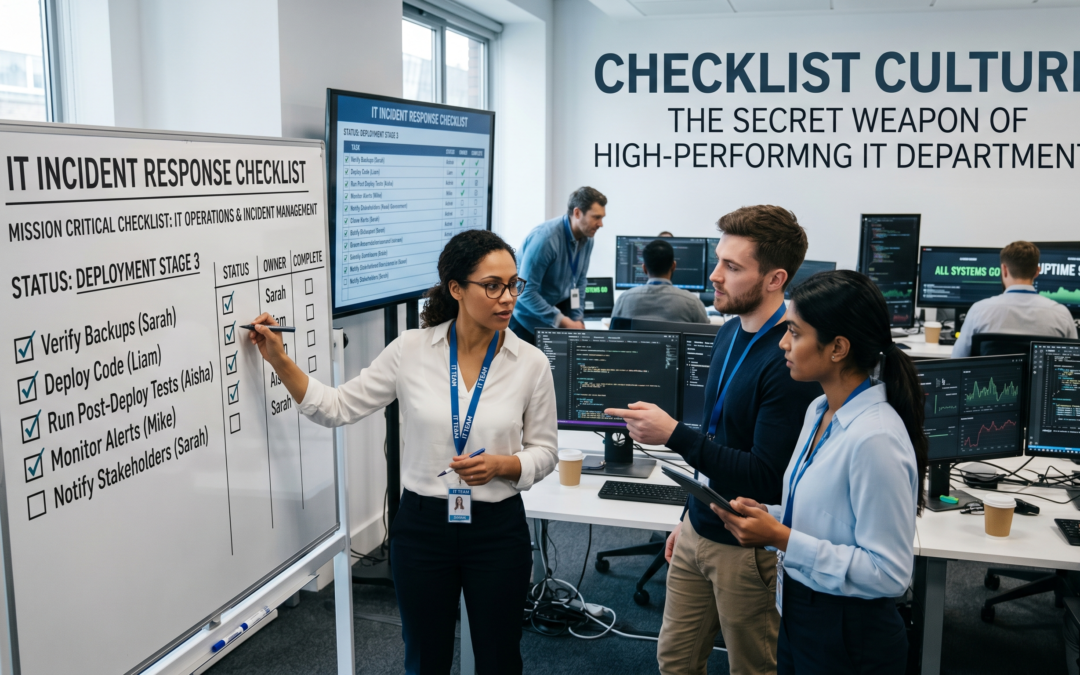
Checklist Culture: The Secret Weapon of High-Performing IT Departments
In high-performing IT departments, success is rarely accidental. It’s built on systems, discipline, and consistency—and one of the most powerful tools behind it all is something surprisingly simple: checklists.
From system updates to security audits, checklists ensure that nothing gets missed, even in the most complex environments. Whether you’re managing a school system, a retail POS, or enterprise infrastructure, adopting a checklist culture can dramatically improve performance and reliability.
What is Checklist Culture?
Checklist culture means embedding structured, repeatable checklists into every critical IT process. Instead of relying on memory or informal routines, teams follow documented steps to complete tasks accurately and consistently.
Why Checklists Matter in IT
- Reduce Human Error: Even experienced IT professionals can forget steps—checklists eliminate that risk.
- Ensure Consistency: Every task is performed the same way, every time.
- Improve Accountability: Clear steps make it easier to track responsibility and performance.
- Speed Up Training: New team members can quickly learn processes using documented checklists.
Key Areas Where Checklists Are Essential
1. System Updates and Maintenance
Ensure all updates are applied correctly without disrupting operations. A checklist might include:
- Backup system before update
- Verify compatibility
- Apply updates
- Test functionality
2. Security Audits
Cybersecurity requires strict routines. Use checklists to:
- Review access permissions
- Scan for vulnerabilities
- Update antivirus definitions
- Monitor unusual activity
3. User Onboarding and Offboarding
Managing user access is critical in schools and businesses:
- Create or disable accounts
- Assign roles and permissions
- Set up email and system access
- Revoke access when needed
4. Backup and Recovery
Data protection depends on consistency:
- Schedule regular backups
- Verify backup integrity
- Test recovery process
5. Incident Response
When systems fail, checklists ensure fast and structured recovery:
- Identify the issue
- Isolate affected systems
- Notify stakeholders
- Document resolution steps
How to Build a Checklist Culture
- Start Simple: Begin with your most critical processes.
- Document Everything: Write clear, step-by-step instructions.
- Use Digital Tools: Implement checklists in your management systems.
- Review Regularly: Update checklists as systems evolve.
Conclusion
Checklist culture transforms IT departments from reactive to proactive. It minimizes risk, improves efficiency, and ensures that your systems run smoothly every day.
If your organization is still relying on memory or informal processes, now is the time to change. A simple checklist today can prevent major failures tomorrow.